Instax at Your Wedding: A Camera Guide for Your Guests
February 12, 2024
Instax Camera at Your Wedding
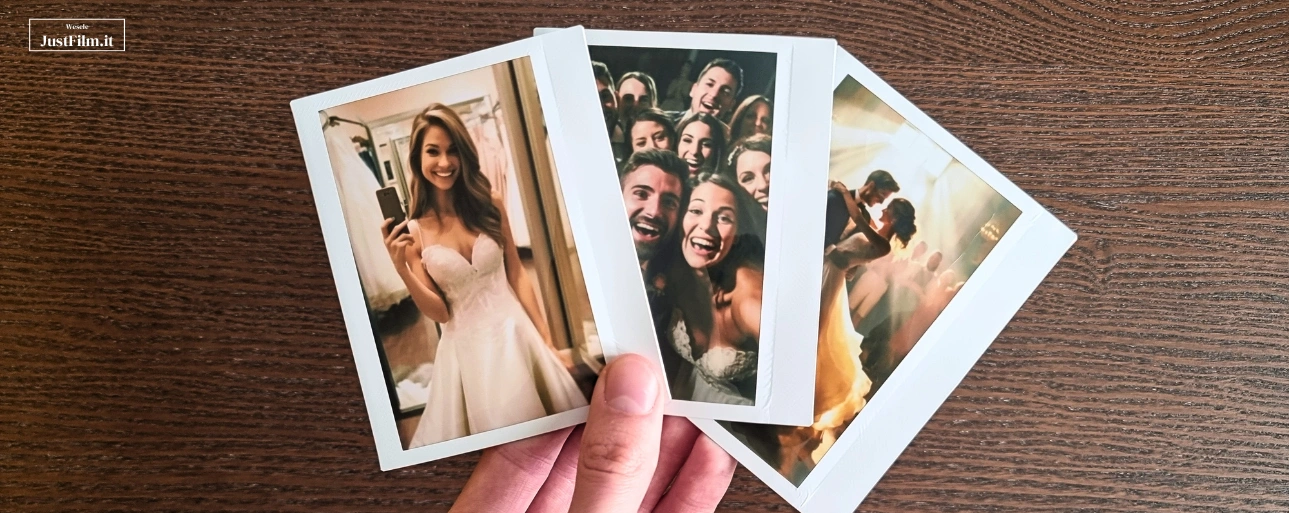
A wedding is a one-of-a-kind event, full of emotion and unforgettable moments. An Instax instant camera lets you capture those wonderful moments on film without needing to book a photographer (unlike disposable cameras). It’s a fantastic extra wedding attraction that mixes fun with creating memories you’ll treasure. The biggest advantage of Instax is that it delivers instant results. You can hand the finished photos straight to your guests as a keepsake from the big day, or use them to build a guest book while the party is still going. The only question left is: how do you actually use an Instax camera the right way at a wedding? We’ve put together a free, downloadable guide just for you, one you can print out, slip into a frame, and set out at the reception.
How to Use the Instax Camera
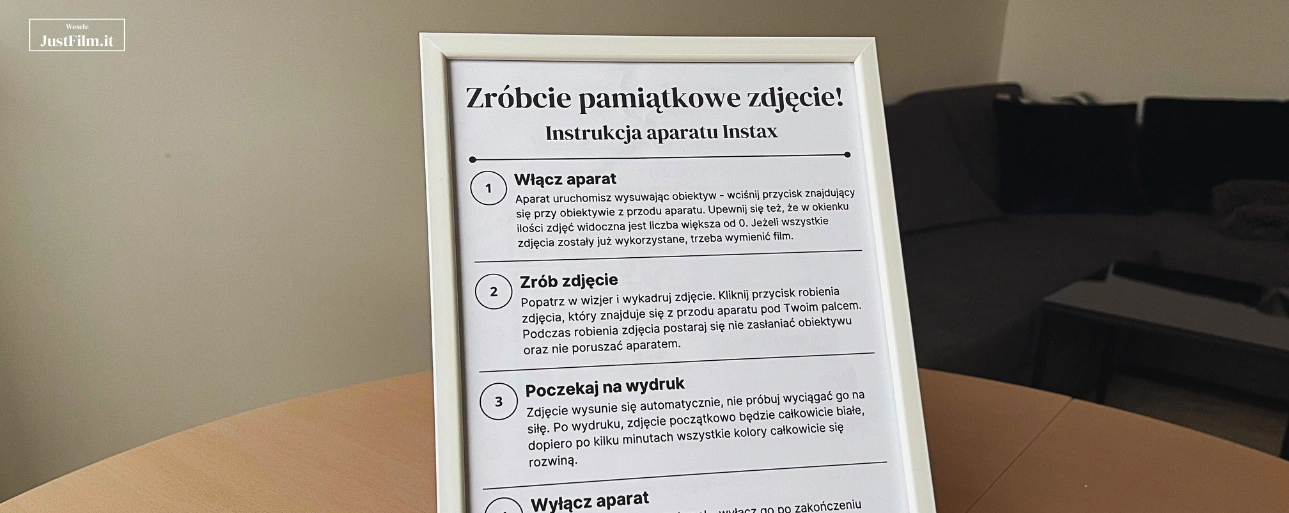
Below is a quick rundown of how to use an Instax camera at a wedding, and you’ll find the ready-to-download graphic further down the page.
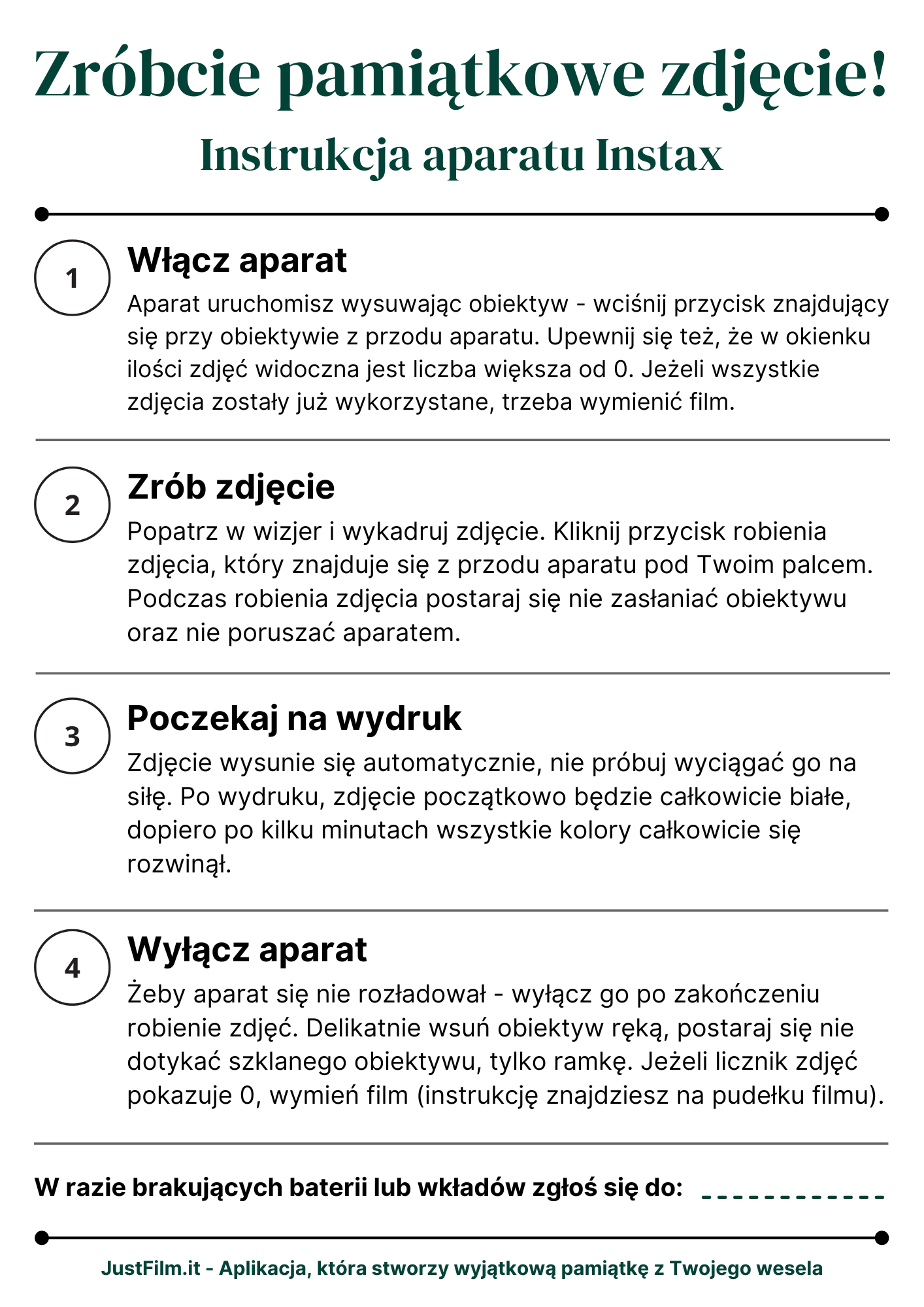
Turn on the camera. Extend the lens to start it up: press the button next to the lens on the front of the camera. Also double-check that the photo counter shows a number greater than 0. If you’ve used up all your shots, it’s time to swap in a new film pack.
Take the photo. Look through the viewfinder and frame your shot. Press the shutter button, located on the front of the camera right under your finger. While shooting, try not to block the lens or move the camera.
Wait for it to print. The photo will eject automatically, don’t try to pull it out yourself. Right after printing, it will look completely blank; give it a few minutes and the colors will fully develop.
Turn off the camera. Switch it off once you’re done taking photos so it doesn’t run down the battery. Gently push the lens back in by hand, and try to touch only the frame, not the glass lens itself. If the photo counter reads 0, replace the film (instructions are printed right on the film box).
Leave a Note About Who Has the Spare Film and Batteries
You’ll need to swap the film cartridge in your Instax every 10 photos, and every so often you’ll also need fresh batteries. Before the wedding, stock up on spare batteries and enough film packs to last the day. It’s worth leaving a note near the camera letting guests know who to find if they run out of film or batteries, it makes the whole thing much easier for your loved ones to enjoy. We thought of that too: our printable guide includes a spot where you can fill in exactly that contact info!
Your Free, Ready-to-Print Instax Guide
We’ve put together a complete guide to using an Instax camera at a wedding, ready for you to download. Just download it, print it out, and pop it into a decorative frame. Inside, you’ll find a step-by-step walkthrough covering how to turn on the camera, take a photo, and print it correctly. It’s a great way to draw your guests’ attention to this extra attraction while giving them a simple explanation of how to use the instant camera. We’ve also included a spot on the graphic for the name of whoever’s in charge of film and batteries, so your guests can find help quickly if they need it. Feel free to send this article to your loved ones too, so they can get familiar with the camera before the big day. We hope this guide comes in handy at your wedding and makes it that much easier for your guests to enjoy this attraction! Guests can take their printed photos home with them, or you can gather them all into a wedding guest book. Just keep in mind that Instax camera models vary slightly from one another, we tried to make this guide as universal as possible, but it’s worth comparing it against your specific camera model before you print.
Click here to download our A4 Instax instructions
Instax Cameras Are Great! But We Also Have a Pretty Cool App
Have you heard about our wedding app yet? Collect the photos and videos your loved ones capture on their phones throughout your wedding, and turn them into a unique keepsake video! To start, we’ll design personalized poster graphics with a QR code and instructions, tailored to match your venue. At any point during the wedding, or even after everyone’s home, guests can scan the QR code and easily upload hundreds of their own photos and videos. You’ll be able to download every file that gets collected, plus a professionally edited video set to the music of your choice. Want to learn more? Head over to our page about the app: JustFilm.it wedding app.
As a reader of our blog, you’re entitled to a special discount on our app! Send us a message on social media or email us at [email protected] with your wedding date and the code BLOG10, and we’ll check whether that date is still available. If it is, you’ll be able to purchase access at a discount.